Secure Remote Work
Controlled Workspaces for Remote and Temporary Access
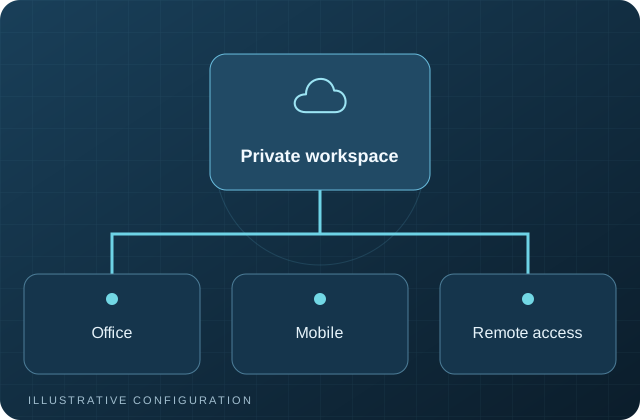
Virtual desktop infrastructure can provide browser-based workspaces, remote desktops, and centrally managed application environments for employees, contractors, and temporary access.
What This Service Helps You Accomplish
- Reduce direct exposure of business data on unmanaged endpoints.
- Provide controlled access to selected applications and desktops.
- Support contractors, remote staff, temporary users, and specialized workflows.
- Centralize session, identity, and access administration.
Core Capabilities
Kasm Workspaces
Browser-based containerized workspaces and approved applications.
Remote Desktop Access
Managed access to Windows or Linux desktops and applications.
Contractor and Temporary Access
Time-limited accounts, isolated sessions, and defined application access.
Identity Integration
Central user accounts, SSO, MFA, and role-based access where supported.
Session Controls
Clipboard, upload, download, session duration, and network access policies.
Central Management
Image management, capacity planning, logging, updates, and documentation.
How Engagements Work
A VDI project begins with users, applications, data flow, licensing, performance, internet connectivity, and endpoint risk. A pilot is used to validate the experience before wider rollout.
Frequently Asked Questions
Does VDI eliminate security risk?
No. It can reduce some forms of data exposure, but it still requires secure identity, patching, monitoring, network controls, and user policy.
Can VDI replace every workstation?
Not always. Graphics, peripherals, latency-sensitive applications, and licensing may require local or specialized systems.
Can contractors use temporary workspaces?
Yes, when the access model, application licensing, data controls, and identity process support it.
Evaluate Secure Remote Access
Determine whether browser workspaces, remote desktops, VPN, or a combination best fits the requirement.